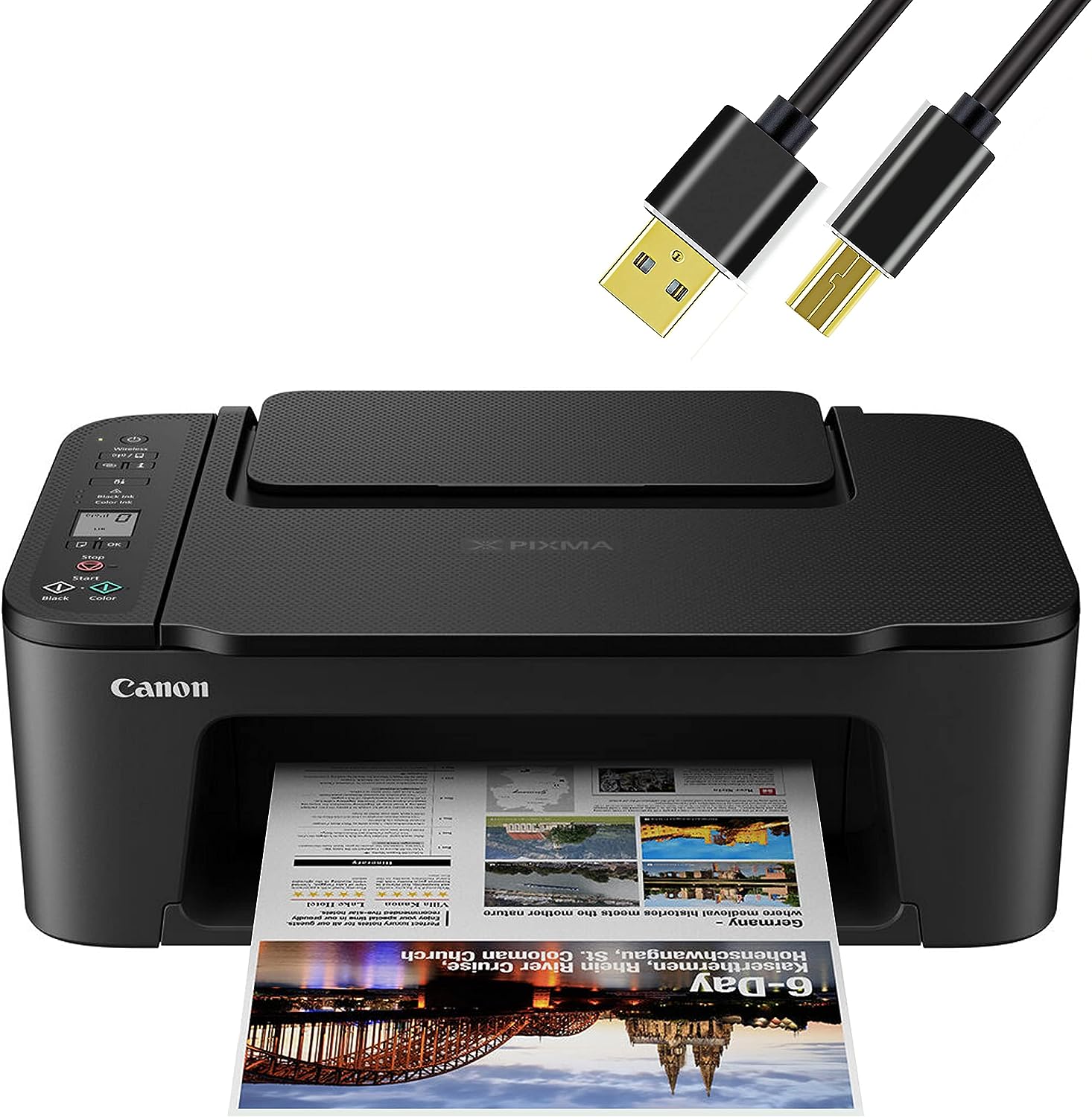
Canon Wireless Inkjet All-in-One Printer with LCD Screen
PRINTING MADE EASY – With the Wireless Printer, take advantage of a quick and simple setup process utilizing Canon Wireless Connect1. Soon, you’ll be printing sharp black text and documents, as well as vibrant 5″x7″ borderless photos6. All from a system of two FINE Hybrid ink cartridges.
SIMPLE CONNECTIVITY – Use a high-speed USB or Wi-Fi connection to print quickly from your computer or mobile devices. The Canon PRINT app, AirPrint, the Mopria Print Service, or laptops with built-in Wi-Fi all make it simple to print from mobile devices.
APPS FOR CANON PRINTING – The free Canon PRINT app1 allows you to print, copy, scan, and many other things from your mobile device.Then go through the Creative Park app’s selection of downloadable crafts.
Use the user-friendly 1.5″ segment LCD screen with simple buttons for printing, copying, and scanning right from the printer to provide you a simple and intuitive printing experience.
High-quality prints are produced thanks to the printer’s excellent print resolution, which is 4800 x 1200 DPI.
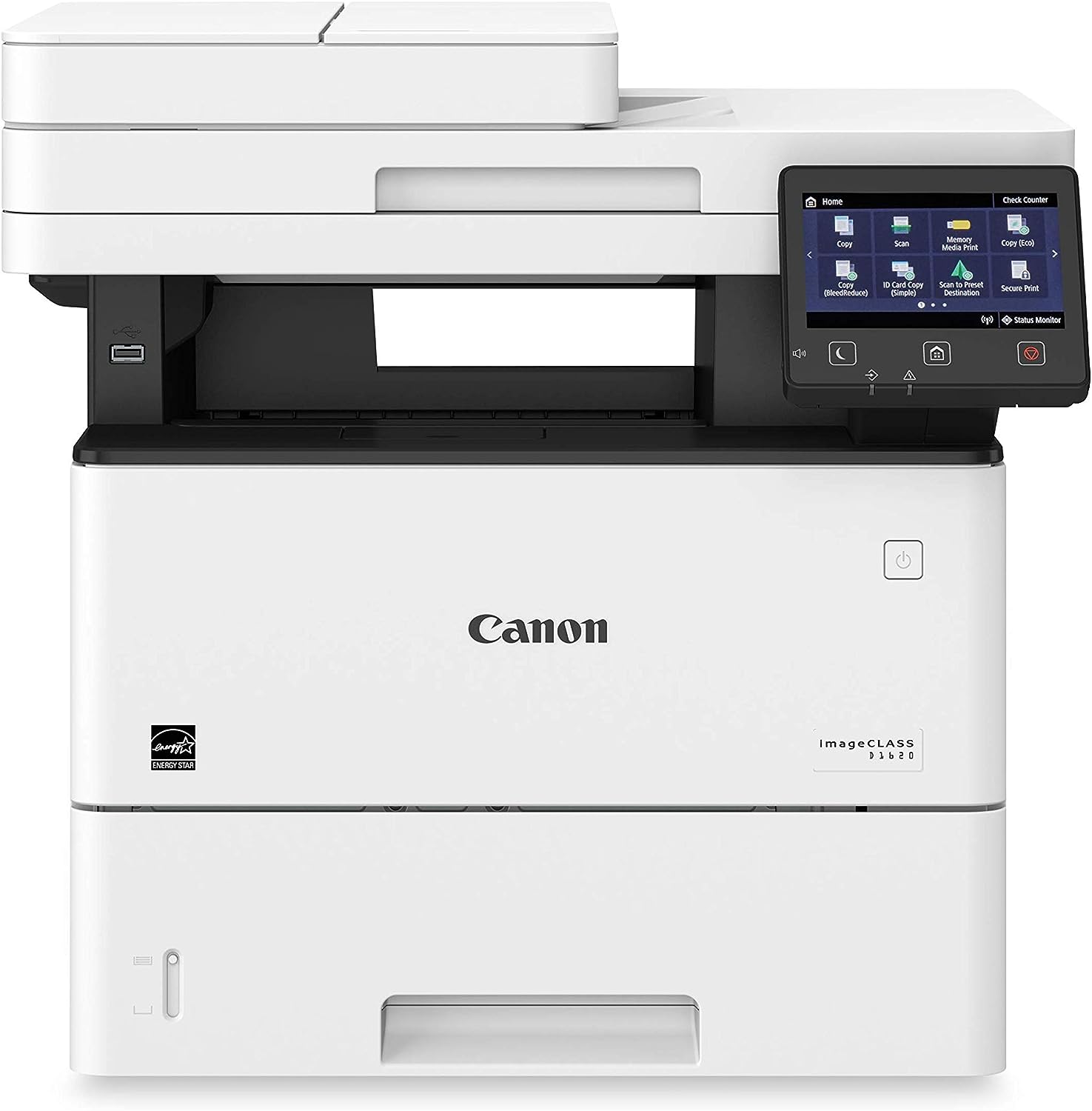
Canon D1620 Multi function, Wireless Laser Printer
Form factor: Windows 7/8.1/Windows 10/Windows Server 2008/Windows
Server 2008 R2/Windows Server 2012/Windows Server 2012 R2/Windows Server 2016/Mac OS X v10.8.5 (or later) All-in-One OS Compatibility
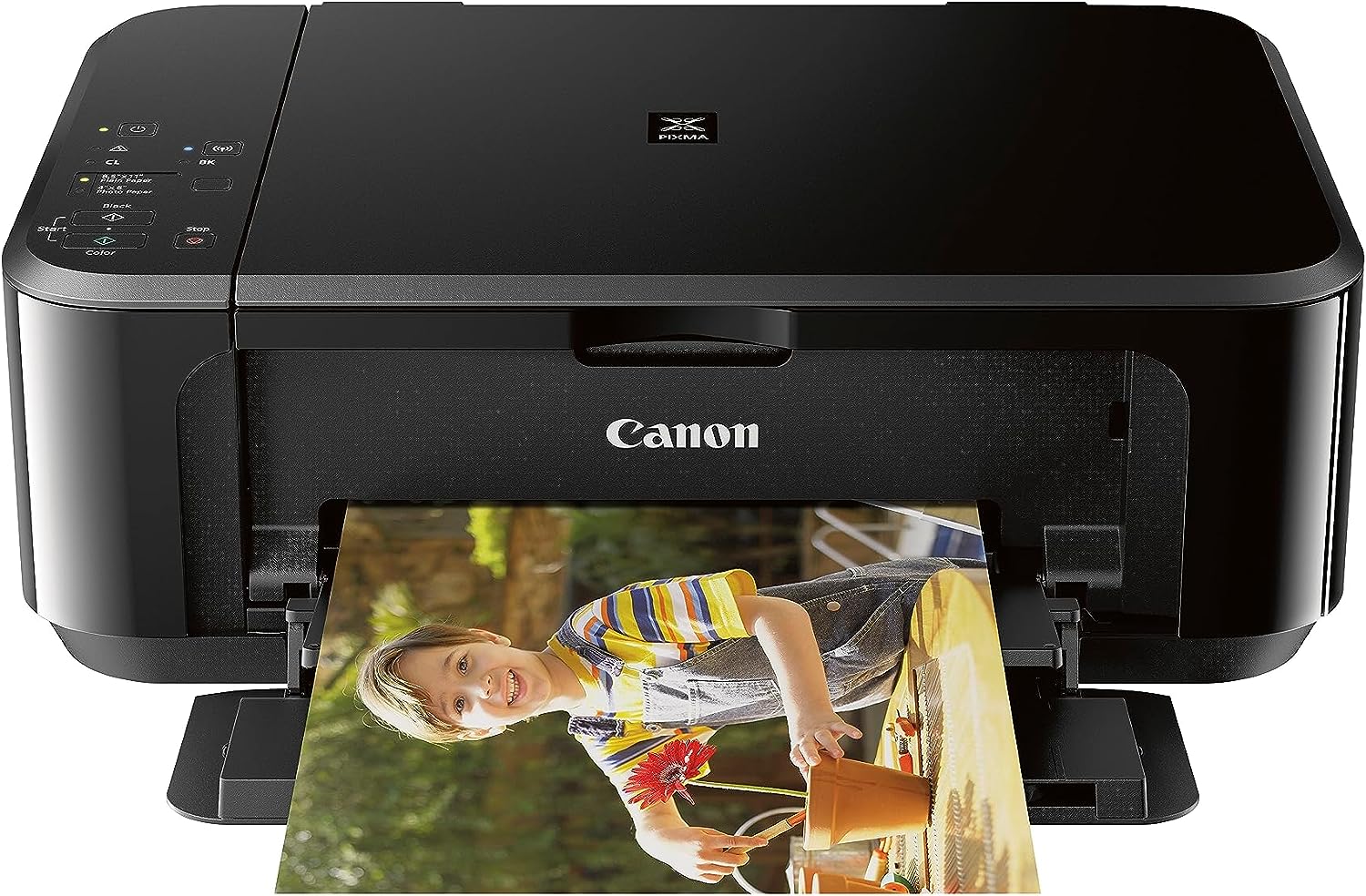
Canon Pixma MG3620
3 in 1 wireless (print, copy, scan)
Direct printing and scanning of photographs and documents is simple with mobile devices.
100 sheet capacity, print speed of 9.9 / 5.7 ipm
Self-reversing printing
Compact, space-saving design with ENERGY STAR.
Ink and toner should never run out. Connect your printer to Alexa to get alerts when your supplies are low. If you sign up for smart reorders, Alexa can even order something for you from Amazon.
By signing up for smart reorders through Alexa, you can make sure that you never run out of ink or toner. No registration is required.